Toolchain
CLI utilities, GUI editors, a network server, and admin tools — bundled with DevKit to work with DSM models, Databases, and Commit databases.
dsm_util.py
CLI
Command-line tool for validating DSM models, creating databases, and emitting language-specific packages (Python via create_python_package).
python3 tools/dsm_util.py check model.dsm check Validate DSM syntax create_commit_database Create commit database create_database Create simple database create_python_package Generate Python package encode Convert DSM to JSON intermediate decode Convert JSON intermediate to DSM Database Editors
Two GUI editors targeting different backends:
cdbe.py is the Commit Database Editor — a
full-featured Qt Widgets tool for any CommitDatabase — and
dbe.py is a standard CRUD inspector for the non-versioned
Database backend. Both are PySide6
(Qt for Python) desktop applications.
cdbe.py
Commit Database Editor
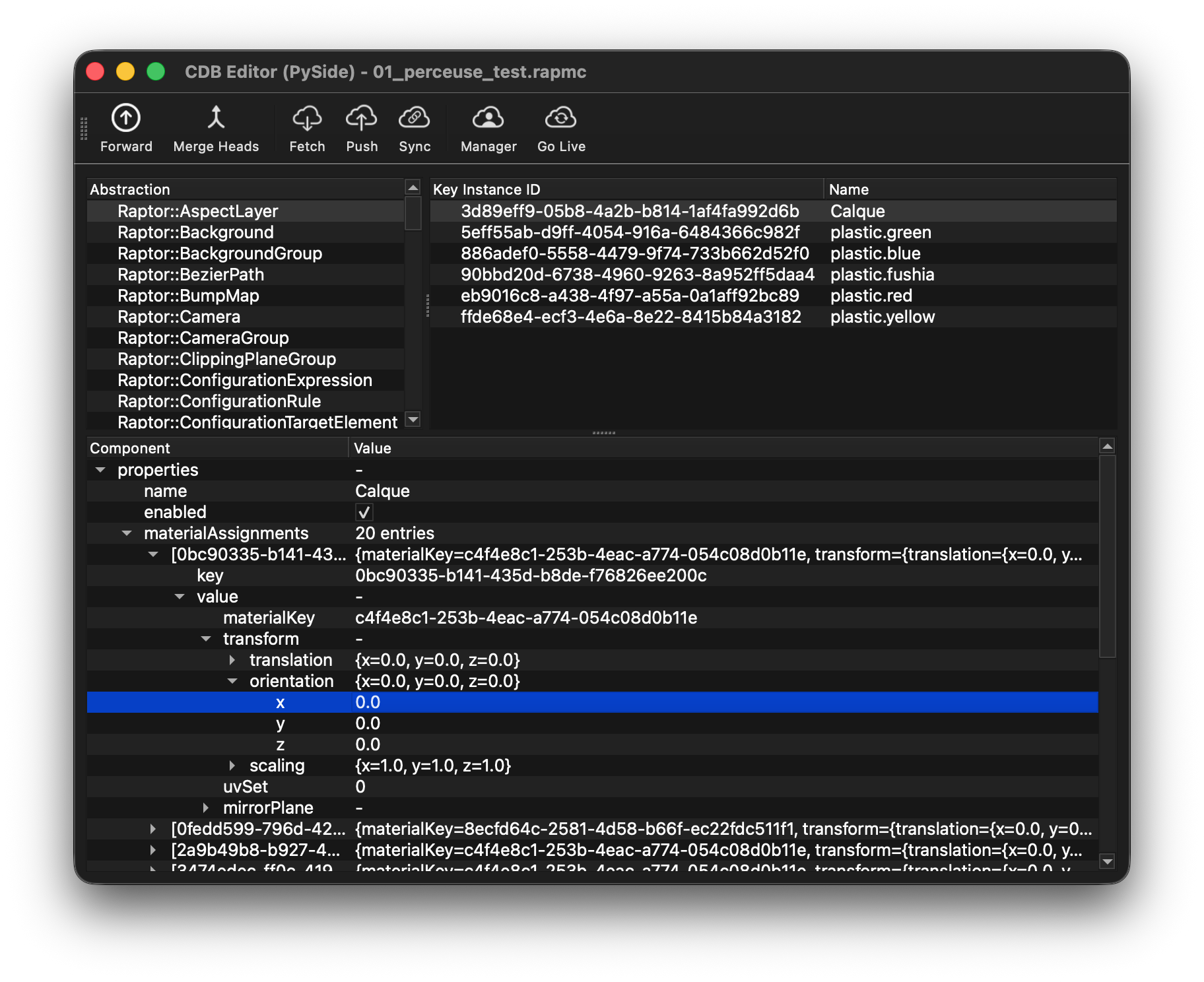
Generic editor for any CommitDatabase — full-featured Qt
Widgets desktop tool. Exposes the full mutation history (undo/redo,
divergence, head reduction, sync) and embeds a Python editor.
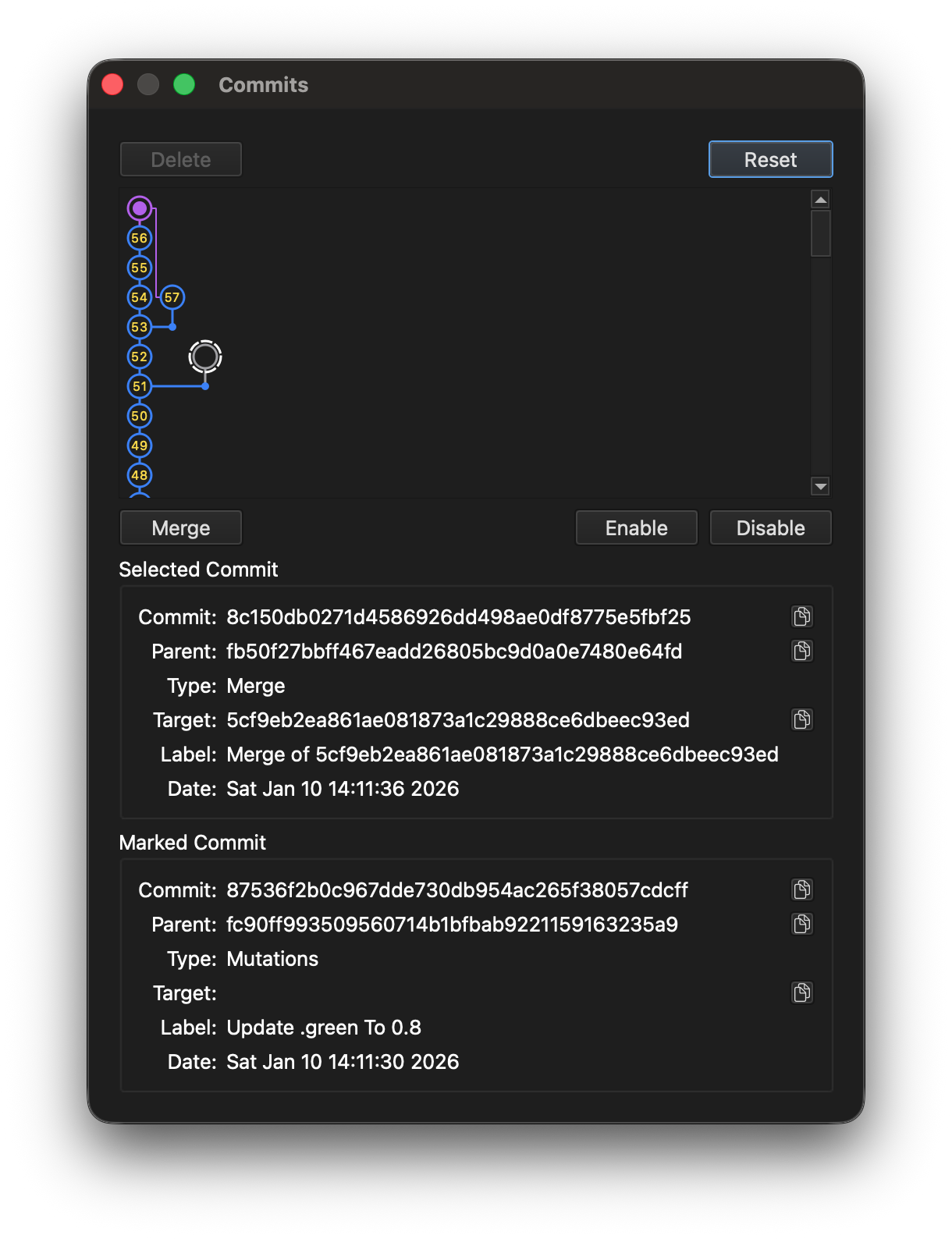
python3 tools/cdbe.py project.cdb - Browse commit history (DAG visualization)
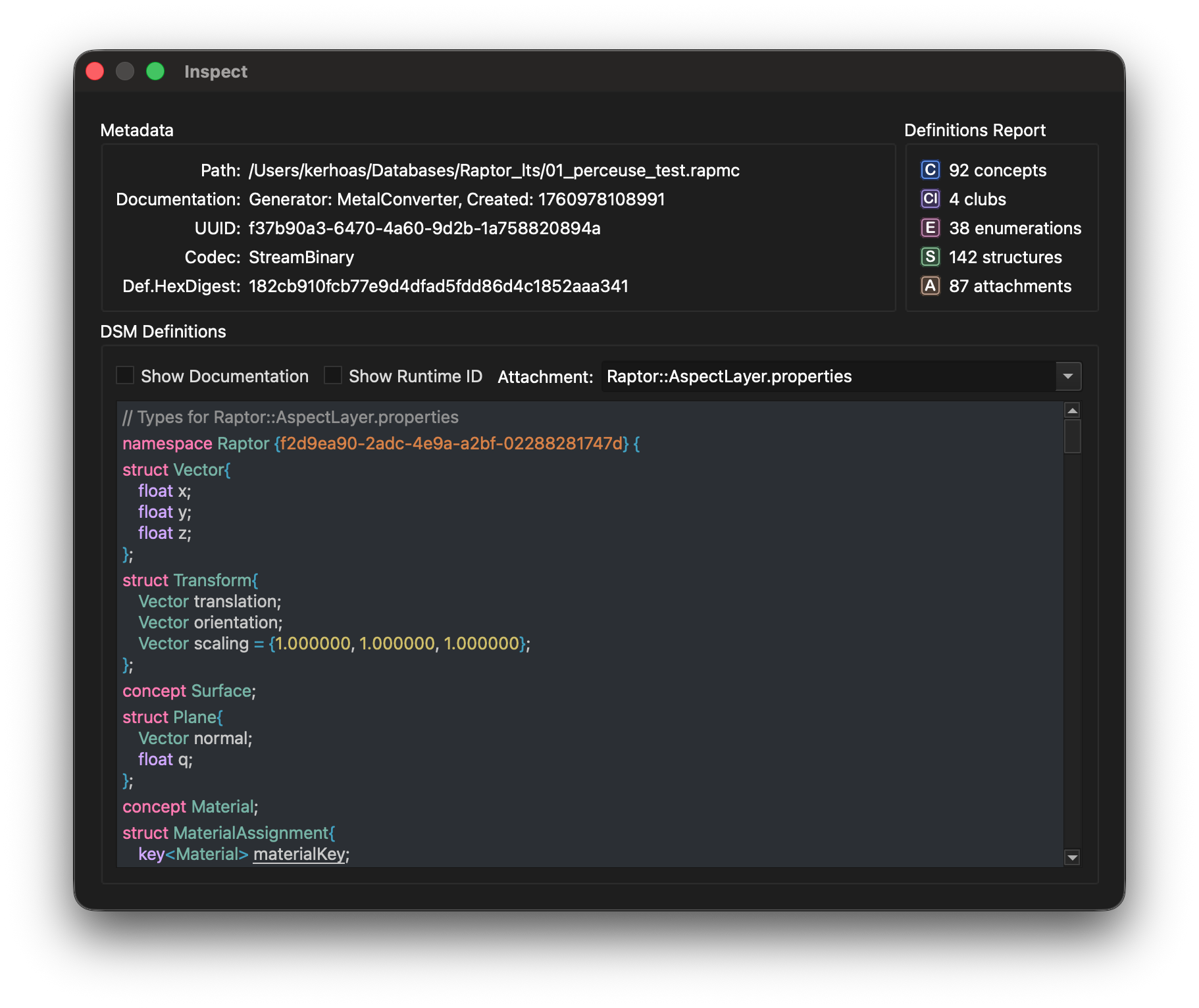
- Inspect documents by attachment
- View CommitCommands in selected commit
- Undo/Redo stack visualization
- Synchronization with remote server
- Blob storage browser
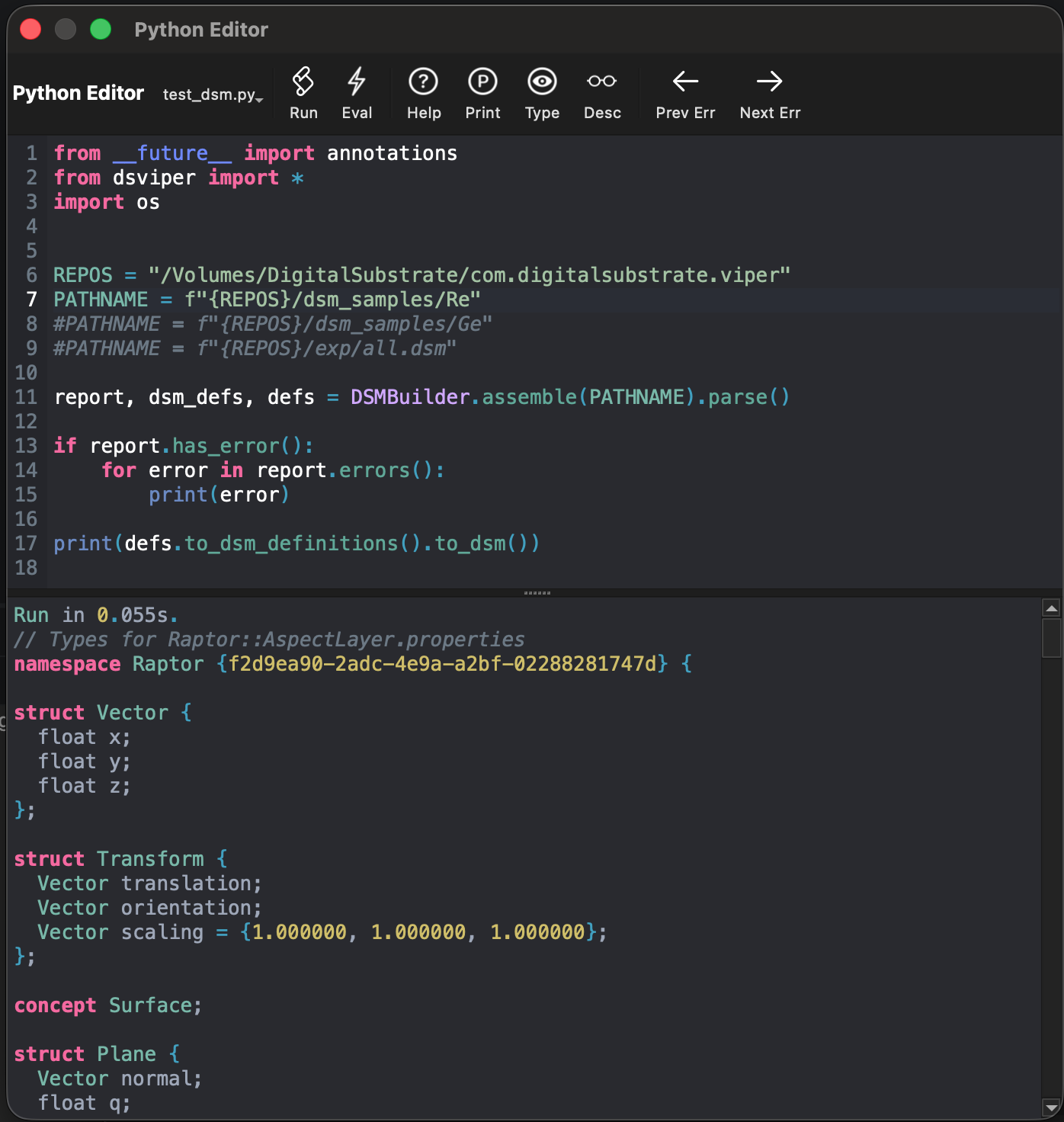
- Python code editor with syntax highlighting and script execution
dbe.py
Database Editor
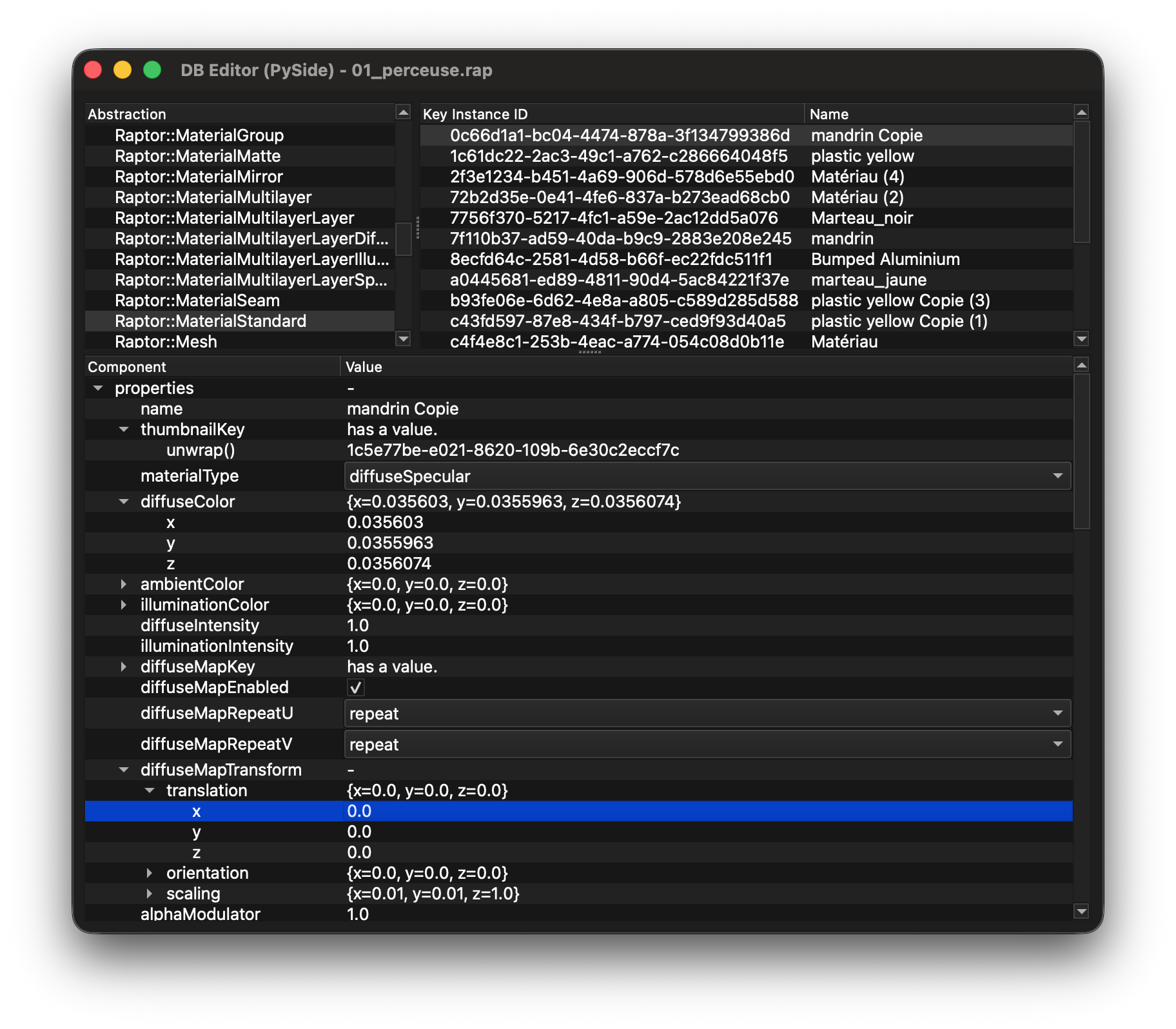
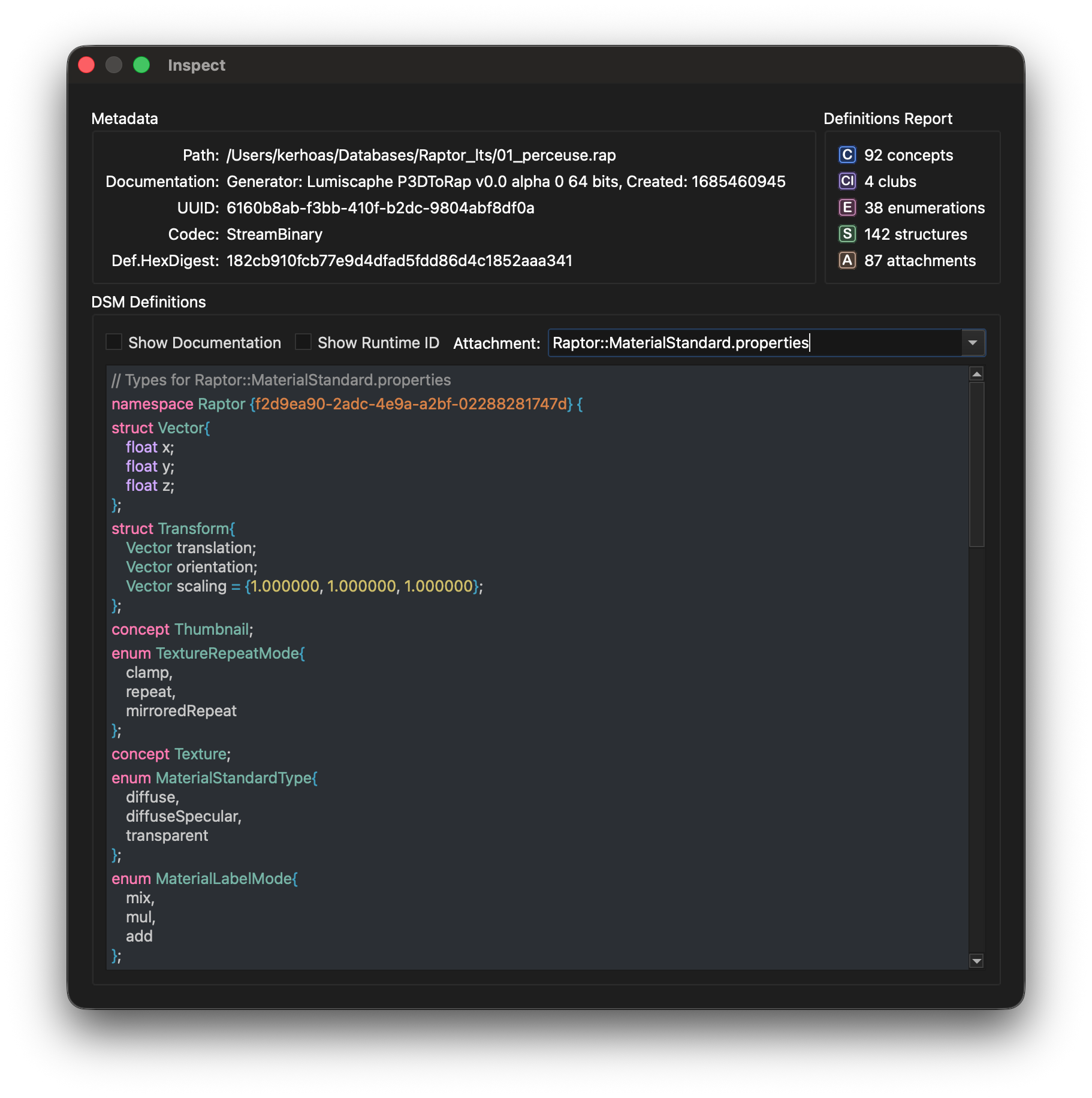
Standard CRUD inspector for the single-state Database
backend (.vpr files). No commits, no history, no DAG — open, browse, view.
python3 tools/dbe.py project.vpr - Browse documents by attachment
- Inspect binary blob content
- View UUID, codec, definitions
- Connect to remote Database server
Server & Administration
Tools for running CommitDatabase as a network service and performing administrative operations.
commit_database_server.py
RPC Server
Expose CommitDatabase over the network for multi-client synchronization.
python3 tools/commit_database_server.py project.cdb commit_admin.py
Administration CLI
Database administration: reset, sync, and reduce heads.
python3 tools/commit_admin.py --database project.cdb reset reset Reset to initial commit reduce_heads Reduce multiple heads sync Sync with remote server Export & Import
Move a database's contents through an open, human-readable JSON bundle — your data is never trapped in an opaque binary file. The round-trip is state-level: exporting a Commit database captures its state at one commit, and importing rebuilds a fresh database — not the commit history.
database_export.py
Database → JSON
Serialise a Database or CommitDatabase to a JSON bundle — definitions, one document file per attachment, and blobs. For backup, diff, and inspection.
python3 tools/database_export.py project.cdb --commit-id last database_import.py
JSON → Database
Rebuild a fresh Database or CommitDatabase from a bundle, preserving blob ids. A CommitDatabase target starts at a single import commit.
python3 tools/database_import.py project.export rebuilt.cdb Python and Node
The tools documented above are the Python ones — they are what the DevKit bundle ships.
Every headless role also has a Node implementation over
@digitalsubstrate/dsviper, ported from its Python counterpart. What stays
Python is the desktop tier: cdbe.py and dbe.py
are Qt applications and their bindings are PySide6, so there is nothing to transpose —
a Node program reaches the same databases through the CLIs, the server, or the web editor.
| Role | Python | Node |
|---|---|---|
| Headless CLI & REPL | dsviper-tools | dsviper-node-tools |
| Query layer | dsviper-query | dsviper-node-query |
| Migration & document rewriting | dsviper-database-tools | dsviper-node-database-tools |
| Commit database editor — web | dsviper-web-cdbe Flask | dsviper-node-web-cdbe Express |
| Commit database editor — desktop | cdbe.py, dbe.py, dsviper-tools-qml | Qt tier — PySide6 / QML only |
The Node tools are consumed from their repositories: only the
@digitalsubstrate/dsviper binding is published on npm, the tooling packages
are not. Both stacks drive the same engine and the same on-disk format, so a Python tool
and a Node tool can work on one database in turn.
Get the DevKit bundle
Tools ship inside the DevKit bundle (dsm_util.py, dbe.py, cdbe.py, commit_admin.py, kibo-*.jar). The dsviper runtime installs separately from PyPI.